

29.07.2026
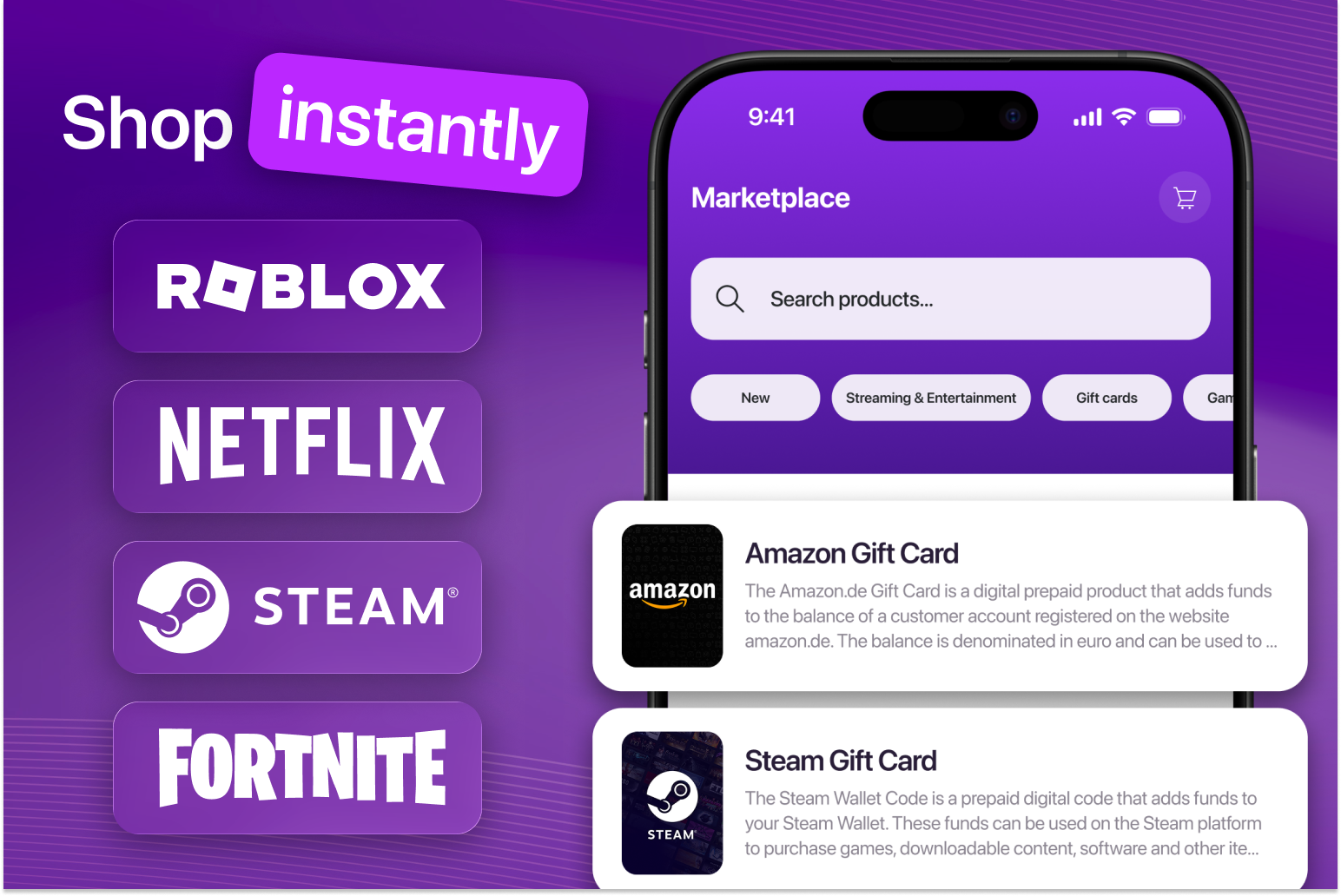
Buying digital gift cards in the TigSiPay app is simple and transparent. In the Marketplace section, customers can choose from a range of digital products by brand, category, and available denomination.
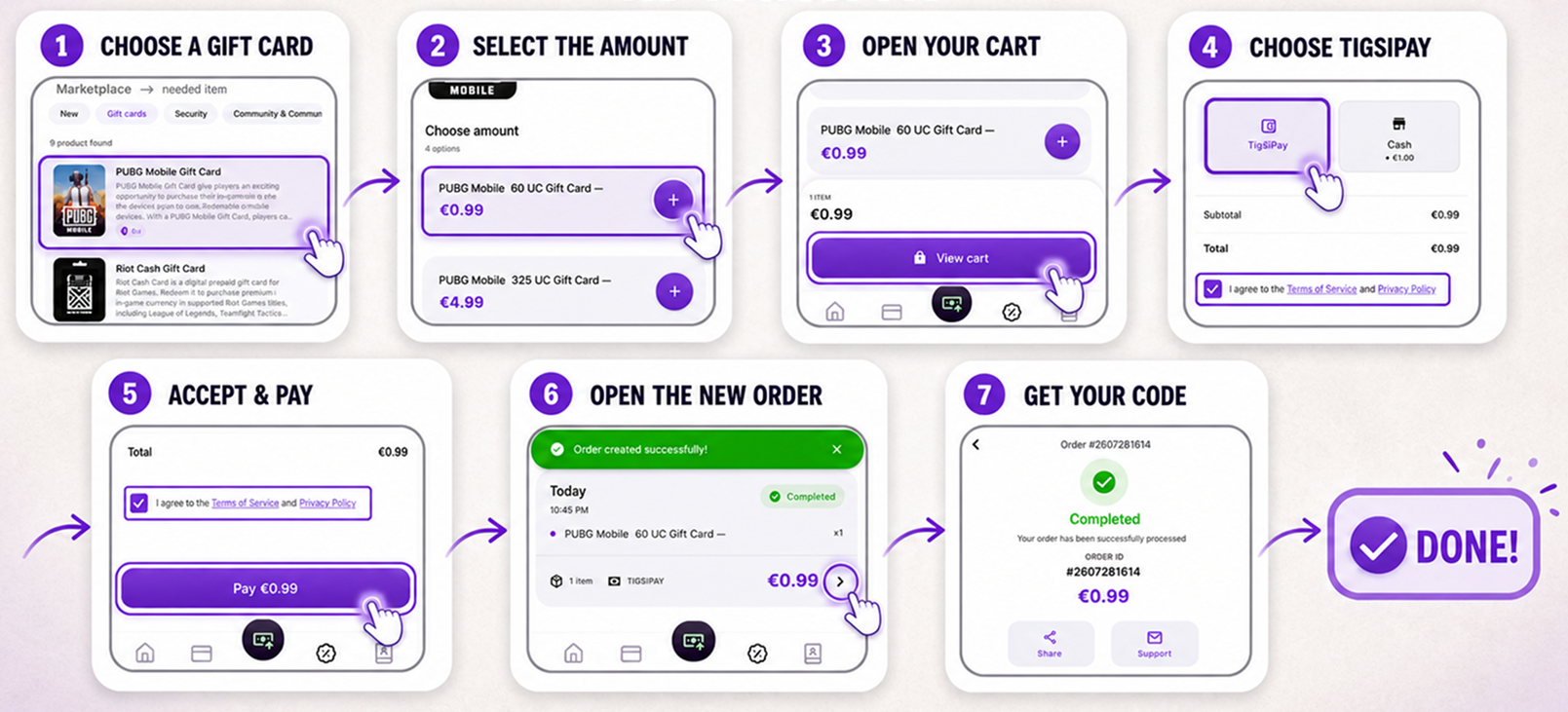
To purchase a gift card, open the TigSiPay app and go to the Marketplace section. Select the product you need, choose the available value, add it to your cart, and review the order details.
At checkout, choose TigSiPay as your payment method, review and accept the Terms of Service and Privacy Policy, and confirm the purchase. Once the payment has been completed, the order will appear in your purchase history with the status “Completed”. Open the order details and go to the “Redemption Code” section to access your digital code.
The purchase process takes only a few steps:
- choose a gift card in the Marketplace section;
- select the required value;
- add the product to your cart;
- choose TigSiPay as the payment method;
- accept the terms and complete the payment;
- open the completed order;
- copy and use your digital code.
Product availability, denominations, regional restrictions, and delivery conditions may vary depending on the specific product. Before completing your purchase, please review the product information and applicable terms of use.
Open the TigSiPay app and use the Marketplace section to purchase digital gift cards for yourself or as a gift — simple, secure, and with no commission fee.